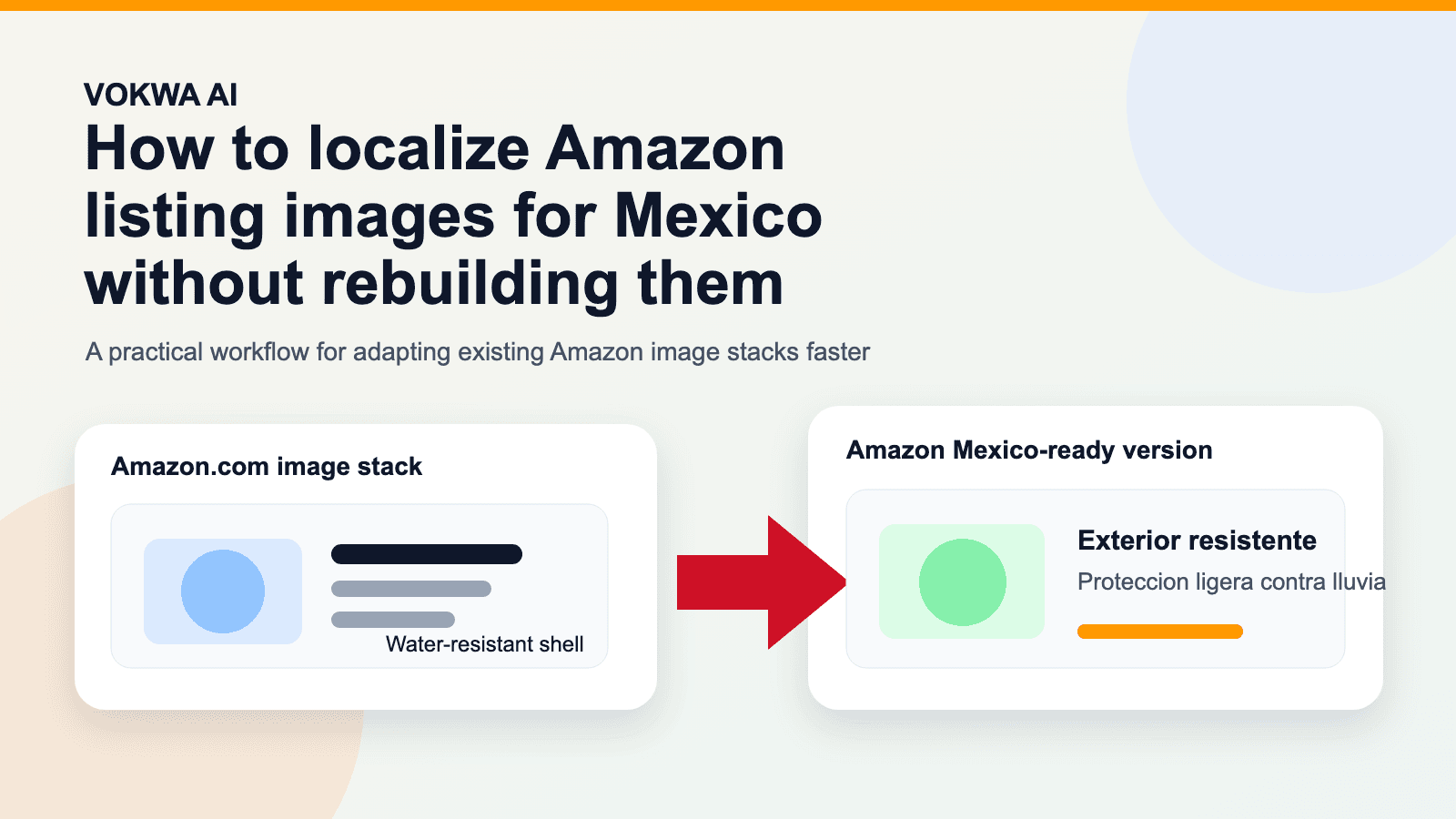
How to Localize Amazon Listing Images for Mexico Without Rebuilding Them
Most sellers expanding into Mexico do the obvious work first.
They translate the product title. They update the bullets. They may even tweak the backend copy, storefront navigation, or advertising headlines.
Then the listing goes live, and the real gap shows up in the image stack.
The page text is now in Spanish, but the visual selling layer still says:
- "Water-resistant shell"
- "3-step installation"
- "Size guide"
- "Before & After"
That mismatch is what makes a listing feel adapted instead of ready.
If your existing Amazon.com images already work, the goal should not be to rebuild them from scratch for Amazon Mexico. The better move is to keep the image structure that already converts and localize the in-image messaging cleanly.
This guide breaks down how to localize Amazon listing images for Mexico without rebuilding the whole asset set, and where sellers usually waste time by treating this like a full redesign project.
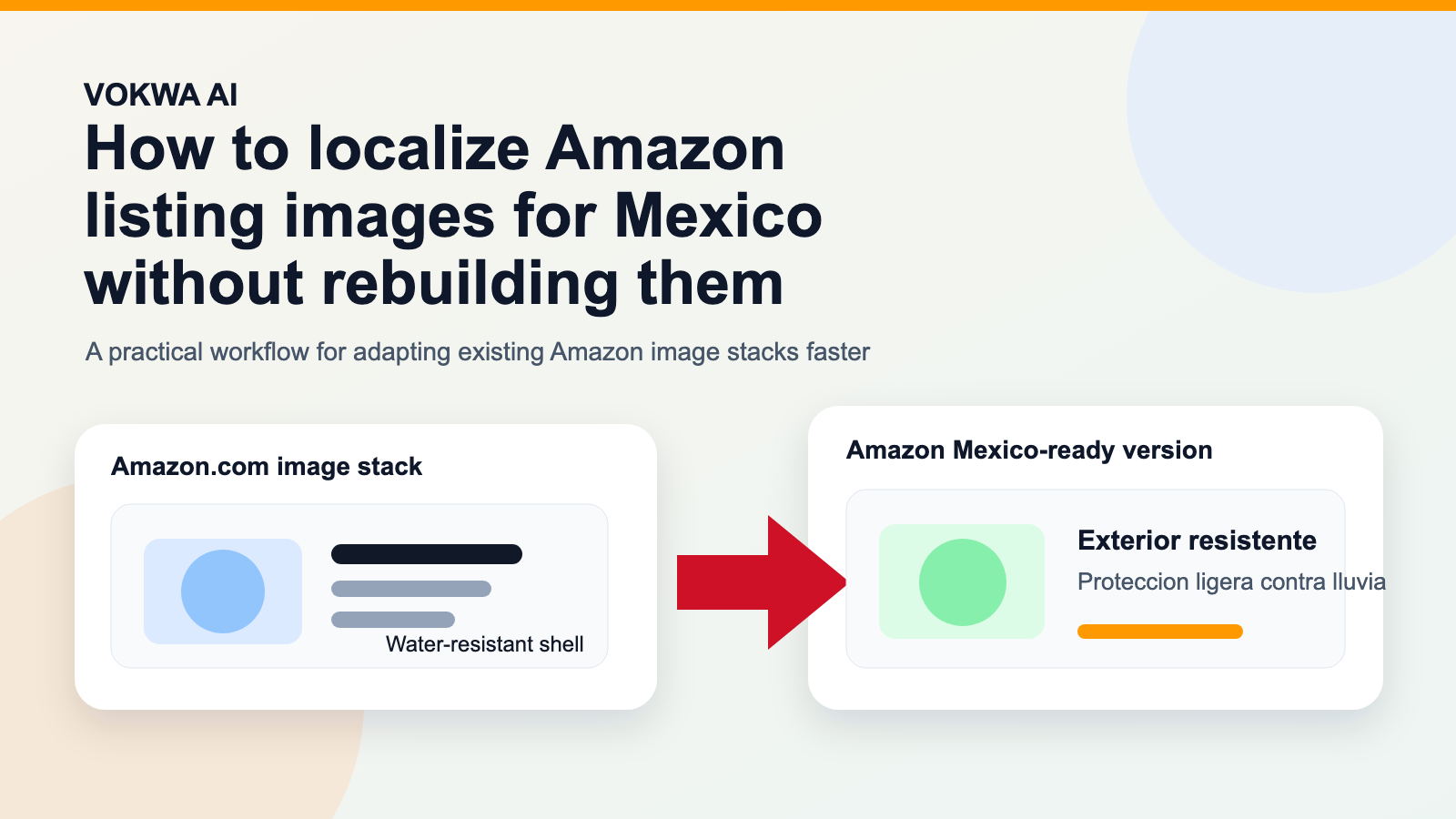 Caption: The fastest path is usually not a new design project. It is a better workflow for adapting the selling layer of images you already trust.
The short answer
If you already have strong Amazon.com creatives, the best workflow is usually:
- keep the image sequence that already performs
- prioritize the visuals that carry the buying message
- replace the English in-image text with natural Spanish for Mexico
- preserve the background, hierarchy, and mobile readability
That lets you move faster without making the Mexico version feel like a rushed duplicate.
Why this matters on Amazon Mexico
Amazon shoppers often decide from the image stack before they fully read the copy. That is true in the US, and it stays true in Mexico.
The image sequence usually answers the questions that matter most:
- what the product does
- why it is better
- whether it fits or works with other items
- how to use it
- what makes it worth the price
So if the page text is in Spanish but the image stack is still speaking English, the listing creates a confidence gap right where you want clarity.
The problem is not only language. It is trust and friction.
Shoppers do not say, "This seller failed to localize the in-image messaging."
They just hesitate longer, compare harder, or choose the listing that feels more complete.
Where the localization gap usually appears
The most common issue is not the main hero image. It is the supporting images that do the explaining.
That includes:
- feature callout images
- size and fit graphics
- compatibility charts
- usage instructions
- "why choose us" comparison panels
- Amazon A+ and enhanced visuals
These are the assets that turn a product from "interesting" into "easy to buy."
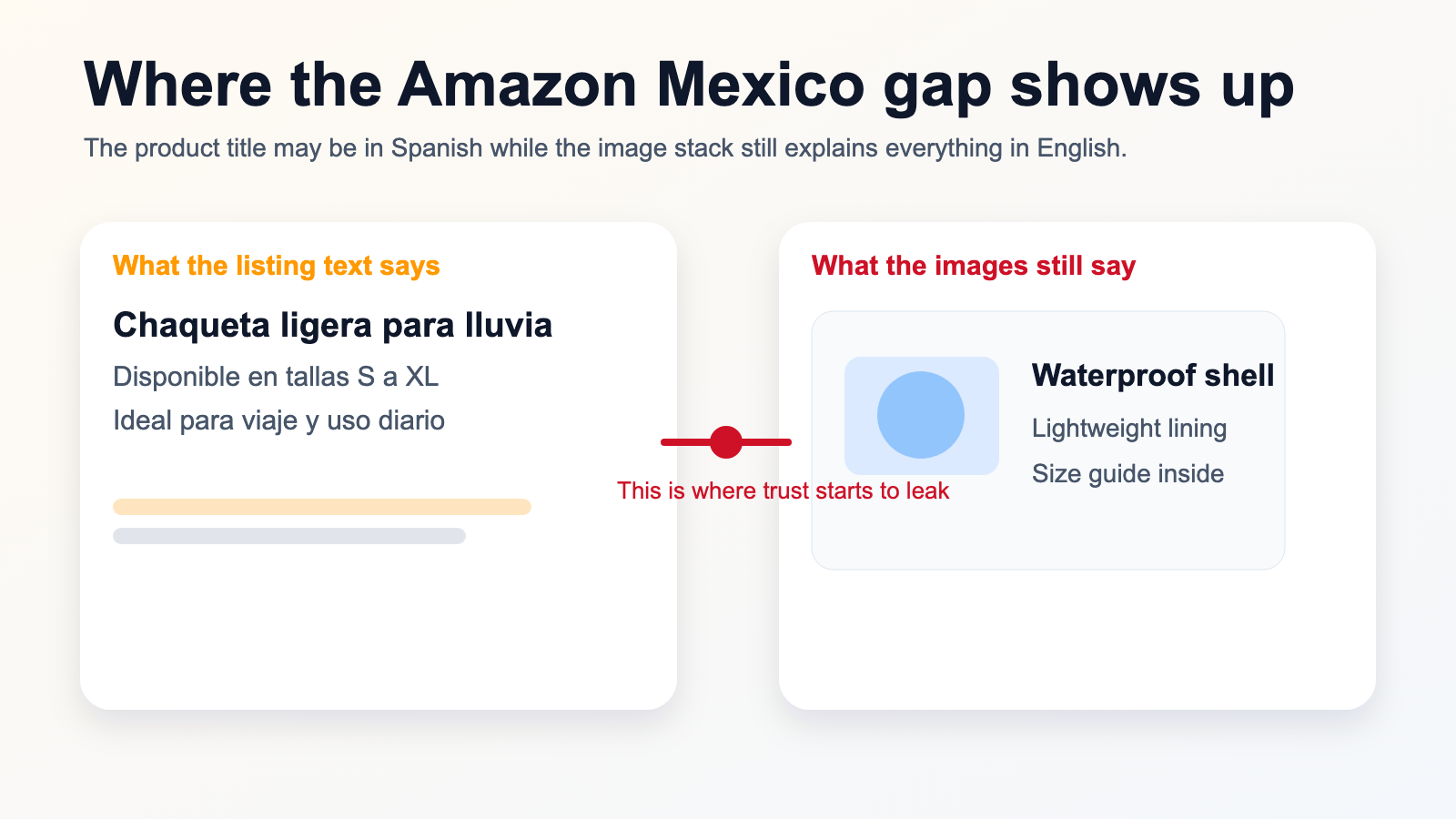 Caption: A translated title does not help much if the image stack still explains the product in another language.
Which Amazon images should you localize first
If you have a large catalog, do not try to update every image in every SKU on day one.
Start with the images that do the most persuasive work.
1. Feature callout images
These are usually the highest priority after the main product image.
They contain the lines that explain why the item is worth attention:
- top benefits
- problem-solution framing
- materials or ingredients
- durability and proof points
2. Size and fit visuals
This is critical for apparel, footwear, accessories, home items, and products with dimensional constraints.
If the shopper has to translate measurements mentally, the listing loses momentum fast.
3. How-to-use panels
If the product requires setup, application, assembly, or care instructions, those visuals should be near the top of the localization queue.
4. Comparison graphics
Anything that says "why choose us" or compares models, bundles, or before/after states deserves early attention.
5. A+ and enhanced content images
If you are already using premium Amazon content, that deeper visual storytelling layer should not stay locked in the original language.
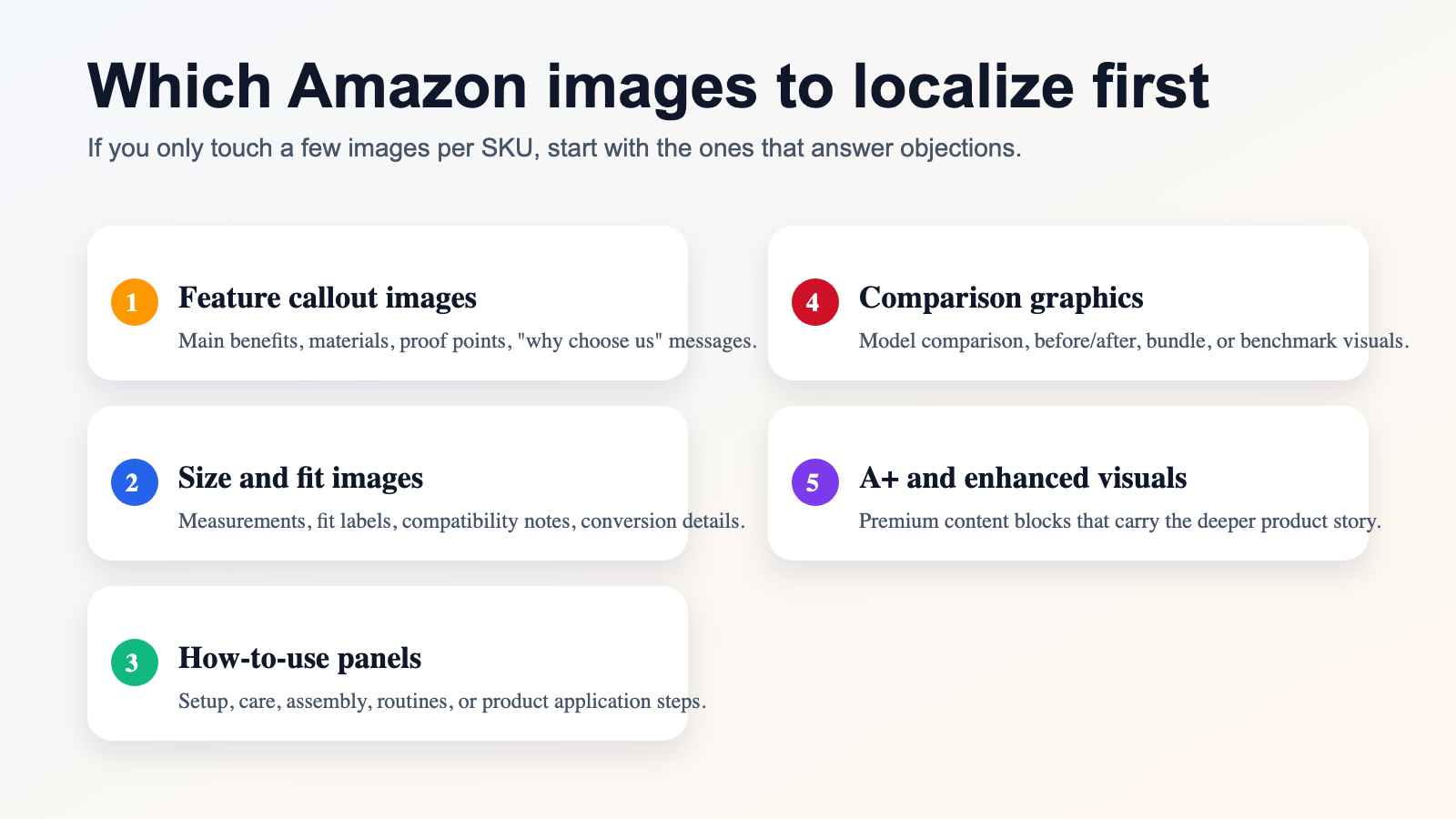 Caption: The most important images are the ones that answer objections, not the ones that simply decorate the page.
Why rebuilding everything is usually the wrong move
The instinct to redesign from zero feels safe, but in practice it often slows the team down for no real gain.
If the Amazon.com version already converts, it has already solved the hardest creative questions:
- what order the images should appear in
- how the benefits should be framed
- where emphasis should sit
- which visuals the shopper needs to see
Throwing that away just to create a Mexico version often means paying again for structure that already works.
The better question is not "How do we redesign this?"
It is:
"How do we adapt the language layer without breaking the visual logic?"
What usually goes wrong
There are a few recurring mistakes here, and most of them are workflow mistakes rather than translation mistakes.
Literal translation inside the image
Amazon image copy needs to scan fast. Literal translation often creates lines that are too stiff, too long, or too heavy for the layout.
Background damage
If the old English text is erased badly, the image starts to look edited, even when the replacement translation is correct.
Wrong priorities
Teams spend time on low-impact images first and leave the core explanatory visuals untouched.
No mobile check
An image that looks fine on a desktop export can feel crowded or awkward on a small screen, which is often where the shopper actually sees it.
A cleaner workflow for Amazon Mexico image localization
The strongest approach is usually operational, not artistic.
Step 1: Keep the image stack that already wins
Do not throw away the sequence that already works on Amazon.com unless there is a real market reason to do so.
Step 2: Translate the selling layer, not just the words
The replacement copy should sound native to Mexican shoppers and still fit the visual hierarchy.
That often means rewriting, shortening, or tightening lines rather than translating word for word.
Step 3: Replace the old text cleanly
This is the technical part that decides whether the image still feels premium.
Good output should preserve:
- background texture
- shadows
- spacing
- icon relationships
- overall visual balance
Step 4: Review on mobile
Amazon images are often judged on smaller screens. That is where clutter, weak line breaks, and bad spacing become obvious.
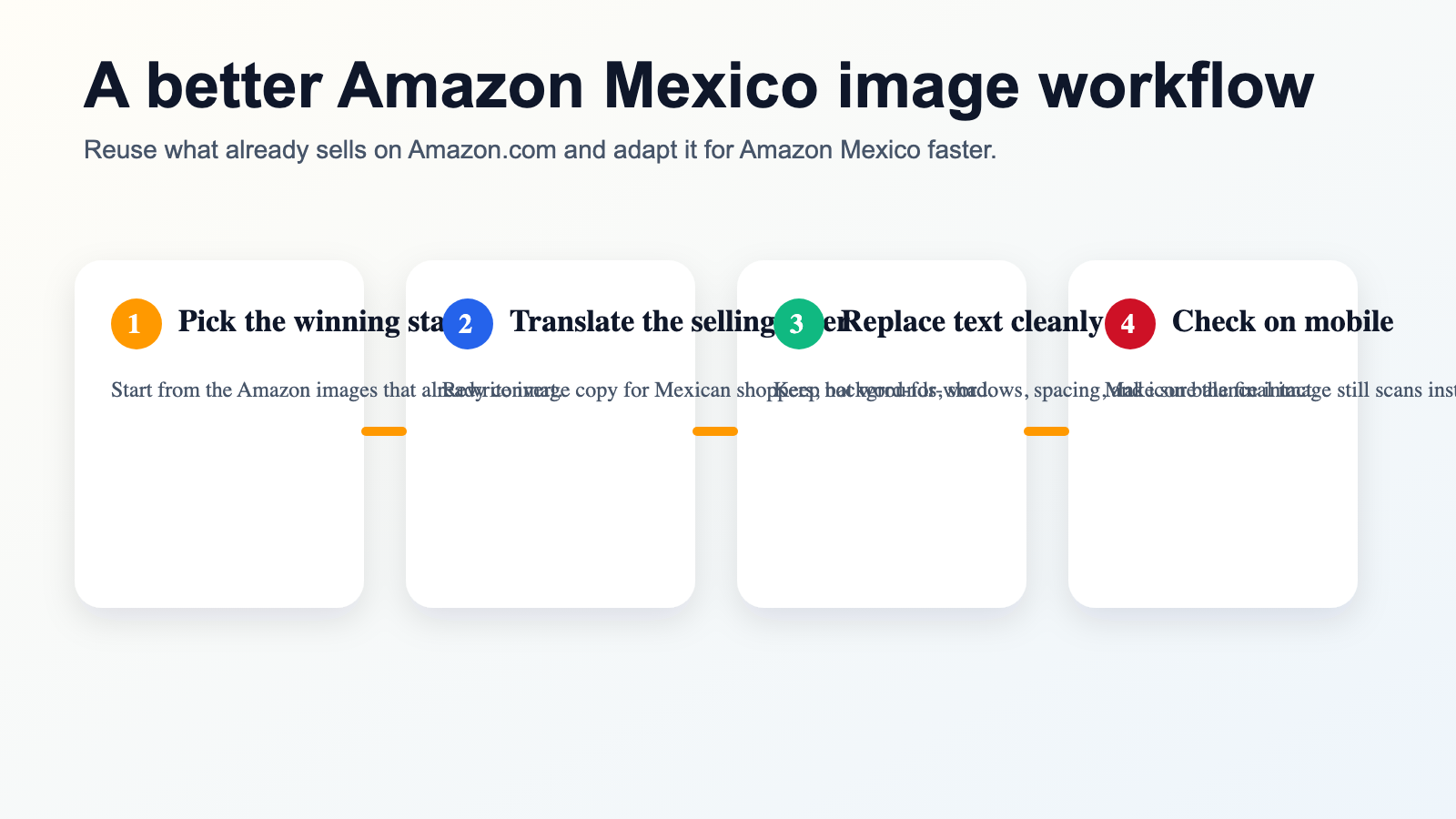 Caption: Reuse the image logic that already sells, and focus your effort on language, clarity, and presentation quality.
Where this approach works best
This workflow is especially useful when:
You already sell on Amazon.com
You have validated image assets, but you need a cleaner path into Mexico than a full redesign cycle.
Your product relies heavily on image explanation
Beauty, apparel, home, supplements, gadgets, and accessories all rely on visual explanation to close the sale.
You need to scale across many SKUs
Manual design rebuilds collapse quickly when the catalog gets large. A localization workflow scales better than a redesign workflow.
Your design resources are limited
The bottleneck is often not strategy. It is production bandwidth.
Why VOKWA AI fits this workflow
VOKWA AI is useful here because the job is not just "translate an image."
The job is:
- keep the existing Amazon visual logic
- remove the original text cleanly
- replace it with more natural Spanish for Mexico
- export a result that still looks publish-ready
That is what makes the workflow faster and more practical for cross-border sellers.
Final thought
If your Amazon Mexico listing is translated but your image stack still explains the product in English, your localization work is not finished.
The fix is usually not a complete rebuild.
It is a cleaner, more disciplined way to adapt the selling visuals you already know how to use.
Keep the structure that already converts. Change the language layer. Protect the visual quality. Check the result on mobile. That is what makes the Mexico version feel ready instead of halfway done.
If you need a faster way to localize Amazon listing images for Mexico without rebuilding them from scratch, VOKWA AI can help you turn your current assets into publish-ready visuals.
FAQ
Do I need to redesign my Amazon listing images for Mexico?
Usually not. If your current image stack already works, it is often better to localize the in-image messaging and preserve the layout that already converts.
Which Amazon images should I localize first?
Start with feature callouts, size and fit graphics, usage panels, comparison visuals, and A+ images that carry the main selling story.
Why does this affect conversion so much?
Because the image stack often answers the buyer's biggest questions before the full text is read. If those answers stay in English, trust and clarity drop.
Is this only useful for Mexico?
No. The same workflow can be applied to other Amazon locales too, but Mexico is a strong early case because many sellers already have English creatives they can adapt.