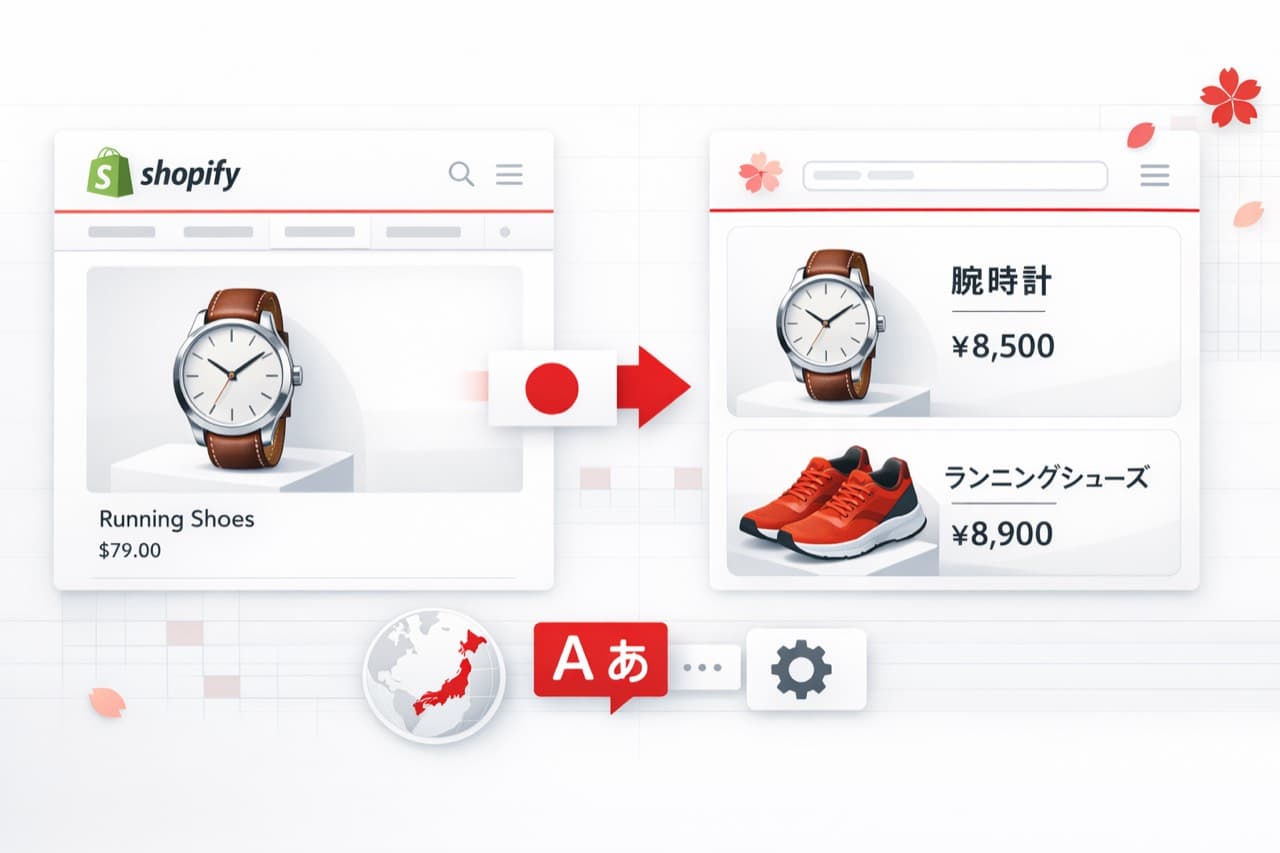
Shopify Product Image Localization for Japan: A Practical Guide
If you are expanding your Shopify store into Japan, translating your product title and description is only part of localization.
For many categories, the most persuasive information is embedded inside product images:
- feature callouts and benefit badges
- ingredient or material highlights
- comparison charts
- instruction panels (how to use, how to install)
- size charts and measurement guidance
- bundle or promotion visuals
If those images remain in English, your Japanese store experience becomes only partially localized. Shoppers can understand the page framework but still struggle at the moment of decision.
This guide covers what Shopify sellers should localize first for Japan, why image localization is harder than “text translation,” and how to build a repeatable workflow without redesigning every asset from scratch.
Why Japan image localization matters for Shopify sellers
Japan is a high-expectation market. Even when a shopper is willing to buy from an overseas brand, they still expect:
- clear, native-language explanations
- consistent terminology across the page
- polished visuals that do not look “edited”
- sizing and specifications that are easy to verify
Shopify merchants often do the “text part” first (themes, product descriptions, navigation). The bigger gap is that product visuals still contain English, because many teams treat those images as final design artifacts.
In practice, those visuals are part of your storefront content system. They should be localized the same way you localize the page.
What “product image localization” really means (and what it is not)
Image localization is not just OCR + machine translation.
A localization-ready workflow must handle:
- accurate text detection inside complex designs
- natural Japanese phrasing for e-commerce contexts
- clean removal of the original text
- background reconstruction so the image does not look patched
- spacing and layout adjustments for readability
- consistent terminology across multiple images and SKUs
If any of these steps fail, the output can look unnatural, crowded, or obviously edited. In Japanese-facing storefronts, that perception can reduce trust quickly.
Which Shopify images should you localize first for Japan
If you are starting from an existing English creative set, do not attempt to localize everything on day one. Prioritize the images that answer the buyer’s biggest questions.
1. Feature and benefit infographics
Localize the images that explain:
- what the product does
- why it is different
- what problem it solves
- key benefits and claims
These visuals often drive the first “I get it” moment.
2. Instruction panels (how to use / how to install)
For beauty, supplements, tools, home products, and gadgets, usage clarity is conversion-critical.
Localize:
- usage steps
- dosage or routine guidance
- setup steps
- safety notes inside images
3. Size charts and measurement graphics
If you sell apparel, footwear, or accessories, sizing visuals are one of the highest-impact localization targets.
A Japan-ready size chart should be:
- consistent in measurement units
- legible on mobile
- free of ambiguous abbreviations
- aligned with Japanese expectations (clear labels, clean hierarchy)
4. Comparison charts
If you use “ours vs others” or tier comparisons, localize them early. These visuals influence the decision stage directly.
5. Paid social creatives used for Japan campaigns
If you run Japan-targeted ads or landing pages, localize the creatives used in those funnels. A mismatch between ad language and landing visuals increases bounce risk.
Common mistakes when localizing Shopify product images into Japanese
Mistake 1: Translating literally instead of writing shopper-friendly Japanese
Product images often use short, persuasive phrases. Japanese copy typically needs to feel natural and concise, not like a direct translation.
Mistake 2: Breaking typography and readability
Japanese readability depends on spacing, line breaks, and font choice. Even if the translation is correct, poor layout can make the image feel difficult to scan.
Mistake 3: Leaving “edited” artifacts
If English text is removed with rough patches, boxes, or blurred areas, the image looks manipulated. Shoppers notice quickly, especially on clean infographic backgrounds.
Mistake 4: Inconsistent terminology across the listing
If one image uses one term and another uses a different term for the same concept, the page feels inconsistent.
Build a small glossary for:
- key benefits
- materials
- usage steps
- sizing labels
Then reuse it across images.
Mistake 5: Localizing everything equally
Not all text has the same impact. Start with the text that carries the value proposition, usage clarity, sizing, and comparisons.
A practical workflow: localize English Shopify images for Japan without redesign
If you already have strong English assets, the goal is to localize the in-image text while preserving the original layout and brand style.
Step 1: Select 3 to 5 images per SKU that matter most
Start with:
- top feature infographic
- instruction panel
- size chart (if applicable)
- comparison chart
- one trust-building graphic (materials, certifications, guarantees)
Step 2: Translate and replace the in-image text
With VOKWA AI, a typical workflow is:
- upload the original image
- choose Japanese as the target language
- detect the text inside the image
- translate the text and replace it in the existing design
- review and adjust small details if needed
- export the localized image for Shopify
The goal is not a “translated document.” The goal is a Japanese-ready selling visual.
Step 3: Review like a Japanese shopper (especially on mobile)
Before publishing, check:
- mobile readability (small screens)
- clean line breaks and spacing
- natural phrasing (not literal translation)
- consistent terminology across images
- background reconstruction quality
If your storefront is bilingual or you run A/B tests, you can also compare:
- time-on-page
- scroll depth
- add-to-cart rate
for localized vs non-localized variants.
Japan localization checklist for Shopify product visuals
Use this checklist to avoid rework:
- Translate the highest-impact infographics first.
- Localize size charts and measurement labels carefully.
- Keep Japanese copy concise and natural.
- Ensure the image does not look edited after text removal.
- Maintain consistent terms across images and pages.
- Validate mobile readability (this catches most layout issues).
Why VOKWA AI fits Japanese Shopify image localization
VOKWA AI is built for product image localization workflows where sellers need to adapt visuals for new markets without rebuilding every asset manually.
For Japan localization, the usual requirements are:
- clean text replacement
- preserved design quality
- high readability
- reduced manual design work across many SKUs
That is the business value: reusing your existing English creative library while making your storefront feel market-ready for Japan.
Final thoughts
If your Shopify storefront is translated into Japanese but your product images still contain English callouts, your localization is not complete yet.
Start with the visuals that matter most: feature infographics, instruction panels, size charts, and comparisons. Build a repeatable workflow so each new SKU does not require full manual redesign.
If you want to localize Shopify product visuals for Japan faster, you can start from your existing English images and adapt them into Japanese-ready selling assets.
FAQ
Should I localize images or only product descriptions for Japan?
Descriptions help, but images often carry the key selling message. If images still contain English, the storefront experience is only partially localized.
Which images should I translate first?
Start with feature infographics, instruction panels, size charts, and comparison visuals.
Is Japanese image localization mainly about translation?
No. It is also about layout, readability, clean background reconstruction, and consistent terminology.